
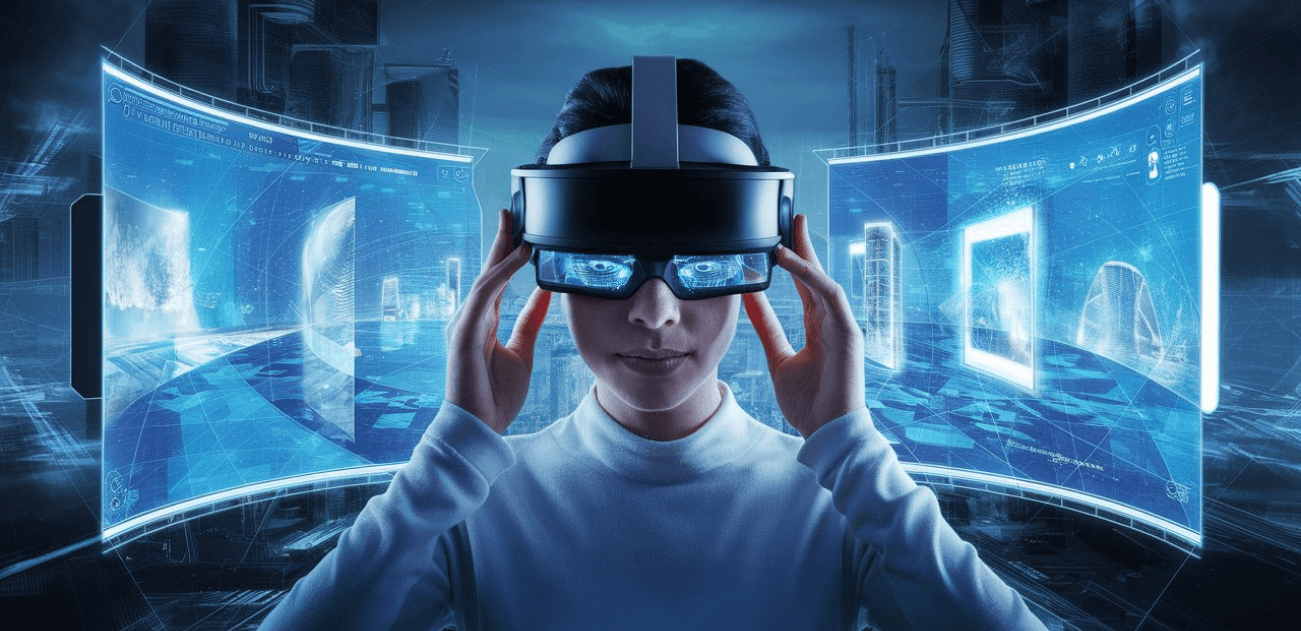
Spatial computing UX focuses on designing user experiences that blend digital content with the physical world through technologies such as AR, VR, MR, and 3D interfaces. Unlike traditional screens, spatial environments require designers to think in terms of depth, movement, scale, and real-world context. This shift transforms how users interact with information, creating immersive and intuitive experiences that feel more natural and human-centered.
One of the core principles of spatial UX is understanding the user’s physical environment. Designers must account for room size, lighting, physical obstacles, and user motion patterns. Interactions that work on a flat display may not translate well in a 3D environment. Spatial computing requires experiences that respect real-world ergonomics—ensuring users can access digital elements comfortably and safely as they move.
Interaction design becomes more dynamic in spatial computing. Traditional taps and clicks evolve into gestures, hand-tracking, gaze control, and voice commands. These new inputs must feel intuitive and responsive. Clear visual cues, affordances, and feedback help users understand how to manipulate 3D objects, navigate environments, or trigger actions. Successful spatial UX minimizes cognitive load while supporting natural human behavior.
Depth and scale play crucial roles in designing spatial interfaces. Elements positioned too close can feel overwhelming, while those placed too far become inaccessible. Designers must balance comfort, reachability, and readability, using spatial hierarchy to guide focus and reduce clutter. Depth also enables meaningful storytelling, guiding users through layers of information in a way that 2D interfaces cannot.
Spatial computing experiences rely heavily on motion and animation. Smooth transitions help users maintain orientation in 3D space, reducing motion sickness and disorientation. Animations can provide context, signal state changes, or reveal how objects relate to each other. Thoughtful motion design enhances immersion while preventing overstimulation, which is a major concern in VR-heavy environments.
Accessibility in spatial computing introduces new challenges. Users may have different mobility levels, visual capabilities, or spatial awareness. Designing inclusive experiences means supporting alternative input methods, adjustable scale, customizable environments, and motion sensitivity options. As spatial computing expands, accessibility guidelines must evolve to address a broader range of human conditions and abilities.
Spatial computing also demands new strategies for information architecture. Designers must think volumetrically instead of linearly. Content may surround the user, float in mid-air, or anchor to real surfaces. Organizing information in 3D requires clarity, structure, and thoughtful spatial grouping. Overloading the environment with too many UI elements can overwhelm users, so simplicity and focus remain essential principles.
Future applications of spatial computing UX extend across industries—from healthcare simulations and remote collaboration to smart retail and industrial training. The blending of digital and physical space will shape how people work, learn, communicate, and interact with technology. As hardware continues to evolve, spatial UX will become central to designing experiences that feel seamless, intelligent, and deeply immersive.
Ultimately, spatial computing UX challenges designers to move beyond screens and embrace a world where digital elements coexist naturally with human environments. By understanding spatial behavior, enhancing intuitive interactions, and designing for comfort and clarity, creators can build experiences that transform the way people engage with technology in three-dimensional space.
One of the core principles of spatial UX is understanding the user’s physical environment. Designers must account for room size, lighting, physical obstacles, and user motion patterns. Interactions that work on a flat display may not translate well in a 3D environment. Spatial computing requires experiences that respect real-world ergonomics—ensuring users can access digital elements comfortably and safely as they move.
Interaction design becomes more dynamic in spatial computing. Traditional taps and clicks evolve into gestures, hand-tracking, gaze control, and voice commands. These new inputs must feel intuitive and responsive. Clear visual cues, affordances, and feedback help users understand how to manipulate 3D objects, navigate environments, or trigger actions. Successful spatial UX minimizes cognitive load while supporting natural human behavior.
Depth and scale play crucial roles in designing spatial interfaces. Elements positioned too close can feel overwhelming, while those placed too far become inaccessible. Designers must balance comfort, reachability, and readability, using spatial hierarchy to guide focus and reduce clutter. Depth also enables meaningful storytelling, guiding users through layers of information in a way that 2D interfaces cannot.
Spatial computing experiences rely heavily on motion and animation. Smooth transitions help users maintain orientation in 3D space, reducing motion sickness and disorientation. Animations can provide context, signal state changes, or reveal how objects relate to each other. Thoughtful motion design enhances immersion while preventing overstimulation, which is a major concern in VR-heavy environments.
Accessibility in spatial computing introduces new challenges. Users may have different mobility levels, visual capabilities, or spatial awareness. Designing inclusive experiences means supporting alternative input methods, adjustable scale, customizable environments, and motion sensitivity options. As spatial computing expands, accessibility guidelines must evolve to address a broader range of human conditions and abilities.
Spatial computing also demands new strategies for information architecture. Designers must think volumetrically instead of linearly. Content may surround the user, float in mid-air, or anchor to real surfaces. Organizing information in 3D requires clarity, structure, and thoughtful spatial grouping. Overloading the environment with too many UI elements can overwhelm users, so simplicity and focus remain essential principles.
Future applications of spatial computing UX extend across industries—from healthcare simulations and remote collaboration to smart retail and industrial training. The blending of digital and physical space will shape how people work, learn, communicate, and interact with technology. As hardware continues to evolve, spatial UX will become central to designing experiences that feel seamless, intelligent, and deeply immersive.
Ultimately, spatial computing UX challenges designers to move beyond screens and embrace a world where digital elements coexist naturally with human environments. By understanding spatial behavior, enhancing intuitive interactions, and designing for comfort and clarity, creators can build experiences that transform the way people engage with technology in three-dimensional space.