
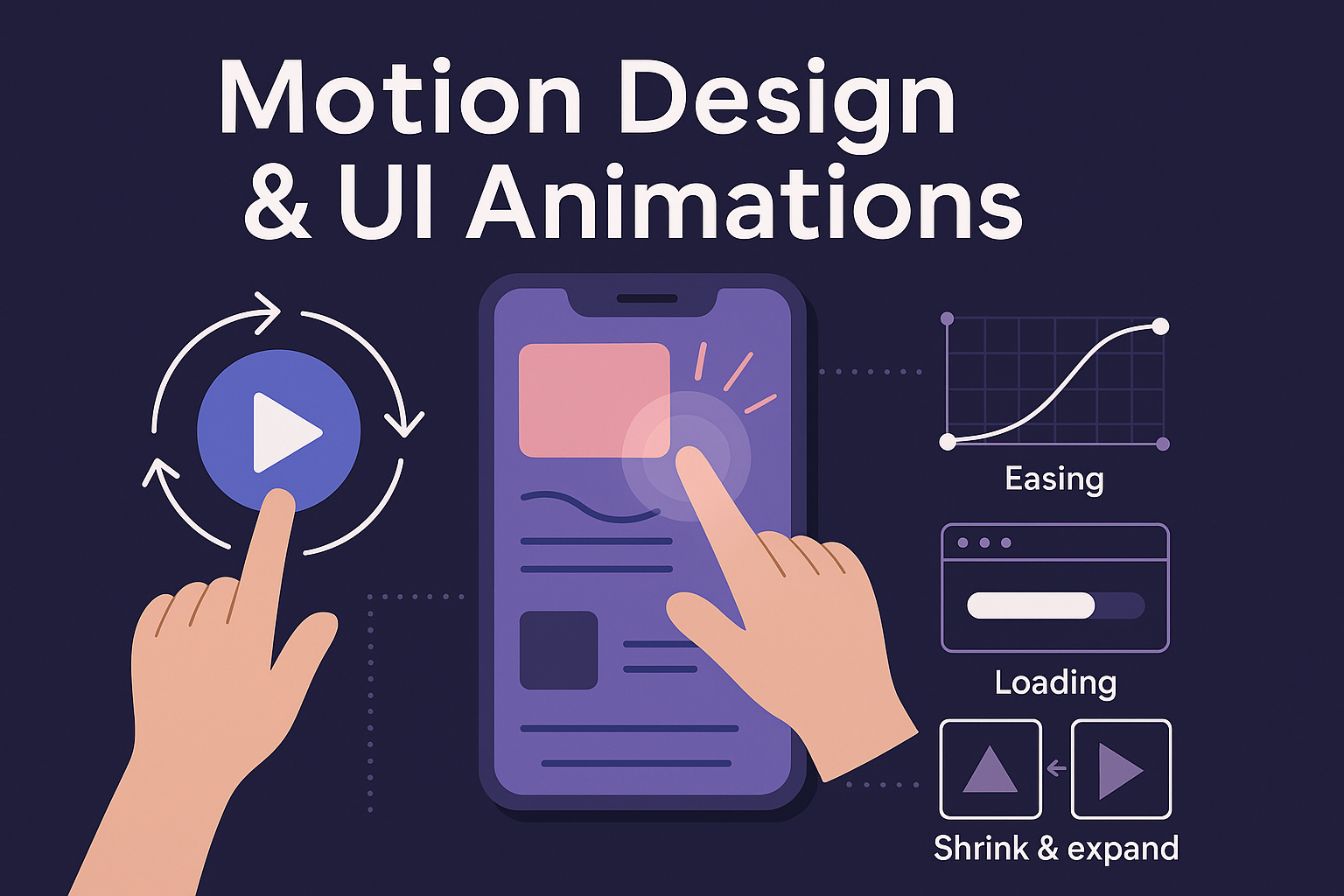
Motion Design and UI Animations have evolved from decorative add-ons into essential components of modern digital experiences. Today’s users interact with interfaces constantly—mobile apps, websites, dashboards, smart TVs, wearables, and even car screens. Motion guides these interactions by turning static layouts into dynamic, responsive, and intuitive experiences. It conveys meaning faster than text, improves usability by showing cause-and-effect, and provides smooth transitions that reduce cognitive load. Motion helps users feel connected with the interface, giving it a sense of life and personality. Brands like Google, Apple, TikTok, Instagram, and Spotify extensively use motion to create fluid experiences that feel natural and enjoyable. As the digital world becomes more interactive, motion design has become a necessity rather than an option.
Motion design is powerful because it communicates without using words. When a button ripples, users instantly understand their tap was recognized. When a card expands into a full screen, users see how one element transforms into another. When a loading animation plays, they feel informed instead of confused. Motion takes abstract digital interactions and makes them understandable through movement. It builds trust, reduces uncertainty, and instantly guides users’ attention to the right place. Instead of overwhelming users with static visuals, motion turns complex interactions into simple, intuitive flows. The goal is not just beauty—it is clarity, logic, and user empowerment.
Effective motion design follows established principles rooted in human perception and natural physics. Timing determines how fast or slow an animation progresses; too slow feels frustrating, too fast feels chaotic. Easing replicates natural motion—objects don’t start or stop abruptly; they accelerate and decelerate smoothly. Rhythm ensures consistent movement across the interface, creating familiarity and predictability. Continuity connects screens and states, helping users understand where they came from and where they are going. These principles together create motion that feels realistic, meaningful, and emotionally pleasing. When applied correctly, they eliminate confusion and make even complex systems feel simple.
Motion in UI exists at multiple levels. Microinteractions include hover effects, icon animations, toggles, switches, and button feedback—tiny movements that add delight and improve usability. Transitions connect screens and components, helping users track navigation between states such as opening menus, switching tabs, or zooming into content. Loading animations communicate system activity through spinners, skeleton screens, shimmer effects, and playful loops. Gesture-based animations respond to swipes, drags, long-presses, and pinch actions—enhancing interactivity and making interfaces feel responsive. Each type of motion has a unique purpose, but together they create a cohesive interaction ecosystem.
Motion is not only functional; it is emotional. Designers use motion to create mood, brand personality, and storytelling elements. Animated illustrations, subtle bounces, soft fades, and expressive interactions bring warmth and friendliness to interfaces. Motion can symbolize energy, elegance, luxury, simplicity, or playfulness depending on how it’s executed. For example, a fitness app may use sharp, energetic transitions, while a meditation app uses slow, calming animations. Storytelling motion, such as animated onboarding flows or interactive tutorials, enhances user understanding while building strong brand identity. Emotion-driven motion has the power to transform a normal interface into a memorable one.
Modern UI motion relies on powerful tools that help designers create smooth, advanced animations efficiently. Figma Smart Animate is ideal for quick transitions and interactive prototypes. Adobe After Effects enables cinematic animations that can be exported to web or mobile formats. Lottie converts animations into lightweight JSON files that render flawlessly on apps and websites. Rive allows real-time interactive animations that respond to user input. Framer Motion and GSAP are popular for microinteractions and highly dynamic web animations. With these tools, designers can craft complex motion systems that remain performant, scalable, and adaptable across platforms.
Motion must enhance the experience—not slow it down or overwhelm users. Heavy, poorly optimized animations can cause lag, increased battery usage, and frustration. Designers should keep animations under 300ms for fast responsiveness and use lightweight assets like SVG, Lottie, or CSS animations. Accessibility is crucial—some users experience motion sickness or discomfort with excessive movement. Interfaces should support reduced motion options for such users. Animations must be purposeful, communicating only what is necessary without distracting users. Consistency, subtlety, and intent-driven design are the foundations of accessible, inclusive, high-performing motion design.
Motion design is used across many industries and product types. Mobile apps rely heavily on motion for navigation, gestures, and touch feedback. Websites use scroll-based animations, hover effects, and storytelling motion to engage visitors. SaaS platforms use animations for dashboards, data visualization transitions, loading states, and user onboarding. E-commerce platforms rely on motion to showcase products interactively and guide users smoothly through checkout flows. Wearables, smart TVs, automotive dashboards, and AR/VR interfaces also depend on motion to build intuitive experiences. Motion design has become essential across every digital interaction medium.
The next generation of motion design is moving toward 3D interfaces, immersive environments, and AI-powered animation. 3D elements, augmented reality (AR), and virtual reality (VR) are creating new opportunities for motion-driven experiences. AI tools will soon automate animation generation, personalization, and real-time adaptation to user behavior. Motion will also play a central role in spatial computing experiences like Apple Vision Pro and mixed-reality systems. The future of UI/UX will be more dynamic, responsive, and human-centered—with motion serving as the bridge between technology and emotion.
Motion design is powerful because it communicates without using words. When a button ripples, users instantly understand their tap was recognized. When a card expands into a full screen, users see how one element transforms into another. When a loading animation plays, they feel informed instead of confused. Motion takes abstract digital interactions and makes them understandable through movement. It builds trust, reduces uncertainty, and instantly guides users’ attention to the right place. Instead of overwhelming users with static visuals, motion turns complex interactions into simple, intuitive flows. The goal is not just beauty—it is clarity, logic, and user empowerment.
Effective motion design follows established principles rooted in human perception and natural physics. Timing determines how fast or slow an animation progresses; too slow feels frustrating, too fast feels chaotic. Easing replicates natural motion—objects don’t start or stop abruptly; they accelerate and decelerate smoothly. Rhythm ensures consistent movement across the interface, creating familiarity and predictability. Continuity connects screens and states, helping users understand where they came from and where they are going. These principles together create motion that feels realistic, meaningful, and emotionally pleasing. When applied correctly, they eliminate confusion and make even complex systems feel simple.
Motion in UI exists at multiple levels. Microinteractions include hover effects, icon animations, toggles, switches, and button feedback—tiny movements that add delight and improve usability. Transitions connect screens and components, helping users track navigation between states such as opening menus, switching tabs, or zooming into content. Loading animations communicate system activity through spinners, skeleton screens, shimmer effects, and playful loops. Gesture-based animations respond to swipes, drags, long-presses, and pinch actions—enhancing interactivity and making interfaces feel responsive. Each type of motion has a unique purpose, but together they create a cohesive interaction ecosystem.
Motion is not only functional; it is emotional. Designers use motion to create mood, brand personality, and storytelling elements. Animated illustrations, subtle bounces, soft fades, and expressive interactions bring warmth and friendliness to interfaces. Motion can symbolize energy, elegance, luxury, simplicity, or playfulness depending on how it’s executed. For example, a fitness app may use sharp, energetic transitions, while a meditation app uses slow, calming animations. Storytelling motion, such as animated onboarding flows or interactive tutorials, enhances user understanding while building strong brand identity. Emotion-driven motion has the power to transform a normal interface into a memorable one.
Modern UI motion relies on powerful tools that help designers create smooth, advanced animations efficiently. Figma Smart Animate is ideal for quick transitions and interactive prototypes. Adobe After Effects enables cinematic animations that can be exported to web or mobile formats. Lottie converts animations into lightweight JSON files that render flawlessly on apps and websites. Rive allows real-time interactive animations that respond to user input. Framer Motion and GSAP are popular for microinteractions and highly dynamic web animations. With these tools, designers can craft complex motion systems that remain performant, scalable, and adaptable across platforms.
Motion must enhance the experience—not slow it down or overwhelm users. Heavy, poorly optimized animations can cause lag, increased battery usage, and frustration. Designers should keep animations under 300ms for fast responsiveness and use lightweight assets like SVG, Lottie, or CSS animations. Accessibility is crucial—some users experience motion sickness or discomfort with excessive movement. Interfaces should support reduced motion options for such users. Animations must be purposeful, communicating only what is necessary without distracting users. Consistency, subtlety, and intent-driven design are the foundations of accessible, inclusive, high-performing motion design.
Motion design is used across many industries and product types. Mobile apps rely heavily on motion for navigation, gestures, and touch feedback. Websites use scroll-based animations, hover effects, and storytelling motion to engage visitors. SaaS platforms use animations for dashboards, data visualization transitions, loading states, and user onboarding. E-commerce platforms rely on motion to showcase products interactively and guide users smoothly through checkout flows. Wearables, smart TVs, automotive dashboards, and AR/VR interfaces also depend on motion to build intuitive experiences. Motion design has become essential across every digital interaction medium.
The next generation of motion design is moving toward 3D interfaces, immersive environments, and AI-powered animation. 3D elements, augmented reality (AR), and virtual reality (VR) are creating new opportunities for motion-driven experiences. AI tools will soon automate animation generation, personalization, and real-time adaptation to user behavior. Motion will also play a central role in spatial computing experiences like Apple Vision Pro and mixed-reality systems. The future of UI/UX will be more dynamic, responsive, and human-centered—with motion serving as the bridge between technology and emotion.