
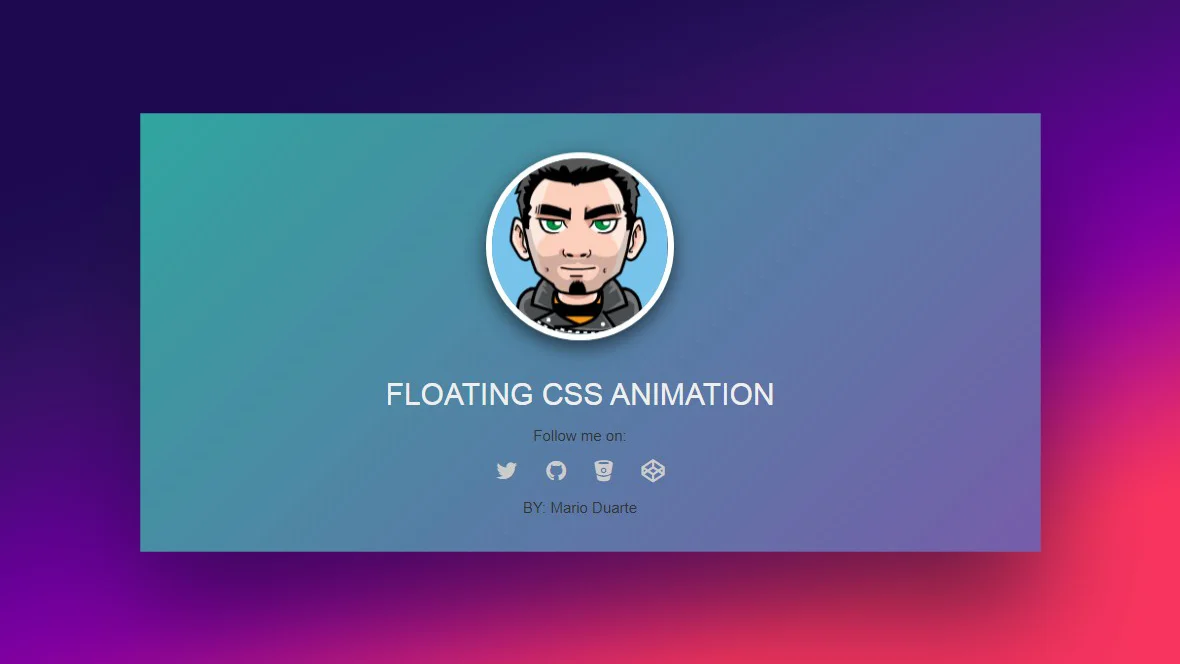
CSS Animations and Transitions bring websites to life by adding smooth, interactive motion. They help make web interfaces more dynamic, enjoyable, and visually appealing without requiring JavaScript. Modern websites use animations to guide user attention, improve usability, and enhance the overall user experience. From button hover effects to loading animations and sliding menus, CSS motion design has become an essential part of front-end development.
Transitions are typically used for simple state changes such as hover, focus, click, or active effects. With just a few CSS properties like transition-duration, transition-delay, and transition-timing-function, elements can move or modify smoothly. For example, when a user hovers over a button and the color changes slowly instead of instantly, it feels more intuitive and polished. These subtle effects help users understand what is clickable and provide visual feedback.
CSS Animations allow more complex, multi-step movements using @keyframes. Instead of just switching from one state to another, @keyframes let developers control how an element moves or changes throughout its animation timeline. This enables creating professional animations such as fade-ins, sliding banners, bouncing elements, and even character motions in simple web games. Animations can loop infinitely or run only once depending on the purpose.
Performance is a key reason why CSS animations are preferred over JavaScript for UI motion. Browsers optimize CSS animations at a lower level, ensuring smoother transitions even on low-powered devices. Developers typically animate transform and opacity properties for the fastest performance. This ensures no janky movement and provides accessibility-friendly motion when implemented properly.
Another key part of animation design is choosing the right easing — how motion accelerates or slows down. CSS uses timing functions such as ease-in, ease-out, cubic-bezier(), and more. These help mimic natural movement, making animations feel human rather than robotic. Creating gentle motion enhances comfort and helps the user’s eye follow the movement more easily.
However, animations should be used with purpose. Too much motion can distract, slow down navigation, or even cause discomfort for people with motion sensitivity. Good UI motion design means balancing beauty with usability. Developers must ensure animations support the user journey rather than disturb it.
CSS Animations are often combined with modern UI frameworks like Tailwind, React, and GSAP for advanced interactions. Integrating scroll effects, parallax motion, and micro-interactions helps create premium-quality websites such as portfolio pages, landing screens, and web applications. Animation libraries can simplify complex effects but understanding core CSS ensures better customization.
Testing animations on multiple devices and screen sizes is important for consistent results. Developers should verify that animations perform well and do not delay important UI actions. Optimization tools and performance audits can help detect issues early.
Mastering CSS Animations and Transitions makes a web developer’s portfolio stand out significantly. It turns simple websites into interactive experiences and gives developers more creative control. Whether you're designing interactive buttons, motion-based page sections, or a full animated UI, CSS motion design skills open up new opportunities in today’s digital environment.
Transitions are typically used for simple state changes such as hover, focus, click, or active effects. With just a few CSS properties like transition-duration, transition-delay, and transition-timing-function, elements can move or modify smoothly. For example, when a user hovers over a button and the color changes slowly instead of instantly, it feels more intuitive and polished. These subtle effects help users understand what is clickable and provide visual feedback.
CSS Animations allow more complex, multi-step movements using @keyframes. Instead of just switching from one state to another, @keyframes let developers control how an element moves or changes throughout its animation timeline. This enables creating professional animations such as fade-ins, sliding banners, bouncing elements, and even character motions in simple web games. Animations can loop infinitely or run only once depending on the purpose.
Performance is a key reason why CSS animations are preferred over JavaScript for UI motion. Browsers optimize CSS animations at a lower level, ensuring smoother transitions even on low-powered devices. Developers typically animate transform and opacity properties for the fastest performance. This ensures no janky movement and provides accessibility-friendly motion when implemented properly.
Another key part of animation design is choosing the right easing — how motion accelerates or slows down. CSS uses timing functions such as ease-in, ease-out, cubic-bezier(), and more. These help mimic natural movement, making animations feel human rather than robotic. Creating gentle motion enhances comfort and helps the user’s eye follow the movement more easily.
However, animations should be used with purpose. Too much motion can distract, slow down navigation, or even cause discomfort for people with motion sensitivity. Good UI motion design means balancing beauty with usability. Developers must ensure animations support the user journey rather than disturb it.
CSS Animations are often combined with modern UI frameworks like Tailwind, React, and GSAP for advanced interactions. Integrating scroll effects, parallax motion, and micro-interactions helps create premium-quality websites such as portfolio pages, landing screens, and web applications. Animation libraries can simplify complex effects but understanding core CSS ensures better customization.
Testing animations on multiple devices and screen sizes is important for consistent results. Developers should verify that animations perform well and do not delay important UI actions. Optimization tools and performance audits can help detect issues early.
Mastering CSS Animations and Transitions makes a web developer’s portfolio stand out significantly. It turns simple websites into interactive experiences and gives developers more creative control. Whether you're designing interactive buttons, motion-based page sections, or a full animated UI, CSS motion design skills open up new opportunities in today’s digital environment.